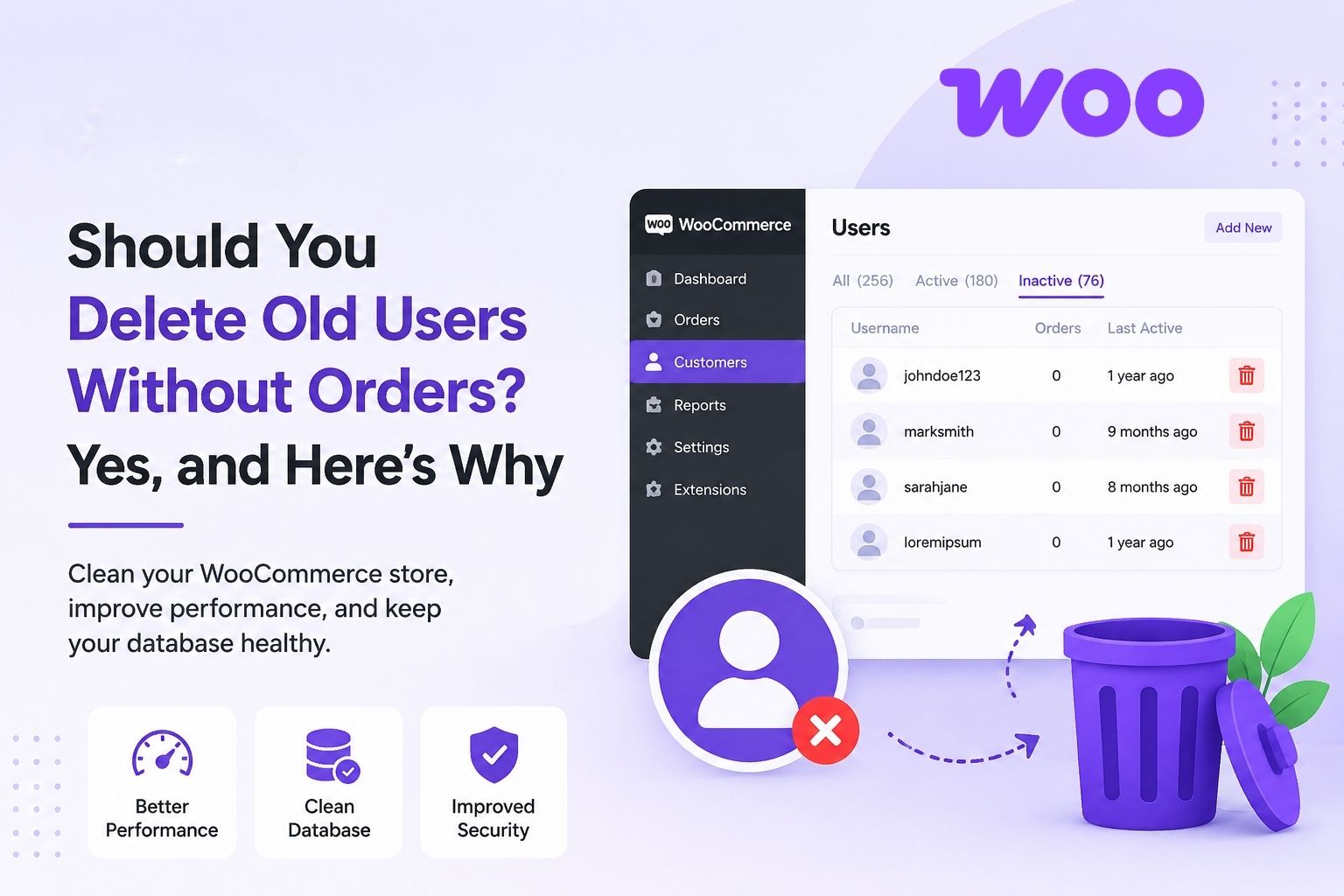
If you run a WooCommerce store, you probably have a lot more people on your user list than actual customers. People sign up for a sale, snatch a coupon code, or look around for fun and never come back. These zero-order accounts accumulate quietly and over time, and most store owners do not give them a second thought.
Take a store that has 10,000 registered users and 2,000 actual buyers. That means they have 8,000 dead accounts. Those accounts are inflating your email marketing bill, slowing your database, polluting your analytics, and sitting there as a security liability, all without generating a single sale.
One of the simplest things you can do to keep your store healthy is to learn how to delete “WooCommerce users with no orders“. In this article, we’ll discuss why it matters, the real benefits, the risks to be aware of, and best practices to follow before you start deleting accounts without any orders.
Why Inactive Accounts Are a Real Problem
Inactive accounts may appear harmless, but they create measurable problems in performance, marketing, security, and compliance. This is what is really at stake.
1. Improved Database Performance
WooCommerce creates several rows in the wp_users and wp_usermeta tables for each registered user. Session records, abandoned cart data, metadata, it all adds up. On a store with thousands of inactive accounts, this bloats your database, slows down admin queries, report generation, and page loads.
Cleaning out zero-order users reduces your database size, speeds up queries, and keeps your store running efficiently, especially important if you are on shared hosting or a smaller server plan.
2. Lower Email Marketing Costs
This is one of the most overlooked costs of keeping inactive accounts. Most email marketing platforms, such as Klaviyo, Mailchimp, and others, charge based on your subscriber or contact count. If 60–70% of your list has never placed an order, you are paying for contacts who will never convert.
Cut zero-order users off right away to get your monthly bill down and to improve your sender reputation. Fewer unengaged contacts means better deliverability, higher open rates, and more accurate data on campaign performance.
3. Cleaner Analytics and More Accurate Marketing
If you’ve got thousands of people in your registered user count who never bought, your data is not reliable. Customer lifetime value is distorted. Segmentation becomes unclear. Your marketing decisions are based on numbers that aren’t even close to your real customer base.
Remove the inactive accounts, and your metrics start reflecting reality. According to Mailchimp’s email marketing benchmarks, average open rates vary significantly by industry. Still, a bloated list with unengaged contacts will consistently pull yours below the benchmark, making it harder to judge what is actually working.
4. Reduced Security Risk
Every account that exists is an account that can be compromised. Dormant accounts are particularly risky because the owner is unlikely to notice suspicious activity or respond to security alerts. Attackers use credential stuffing to test leaked username and password combinations at scale, and inactive accounts with weak or reused passwords are easy targets.
Fewer dormant accounts, smaller attack surface. In fact, compromised credentials are still one of the top causes of data breaches, according to the Verizon Data Breach Investigations Report. Reducing your exposure is as simple as pruning inactive accounts with little effort.
5. GDPR and Data Privacy Compliance
Under GDPR, you are only permitted to hold personal data as long as there is a legitimate business reason to do so. A user who registered 18 months ago and never placed an order is a compliance liability because you are storing their name, email address, and IP with no justification.
The same principle applies under CCPA for California-based customers. Regularly deleting or anonymising zero-order accounts is not just good practice; it is what data minimisation principles require. Failing to comply can result in significant fines.
Potential Risks Before You Start Deleting
Potential Future Customers You Might Lose
Not all zero-order users are lost causes. Some are real and haven’t been bought yet. If you delete too early, you lose that potential. Set a minimum period of inactivity of at least 6 months, ideally 12 months, before an account can be deleted.
Hard Deletion Removes Everything
If you delete a user account entirely, all of the user’s data is deleted as well – abandoned carts, wishlist items, product reviews. In many cases, it is a better choice to anonymize the account. You strip out the personal identifiers (name, email, IP) but keep the underlying data record for accounting and reporting purposes.
Legal Requirements Vary by Region
GDPR, CCPA, and other privacy laws in the region have their own rules for data retention and deletion. What is compliant in one jurisdiction may not be compliant in another. Before you put any automated deletion process in place, review your privacy policy and, if you have any doubts, consult a legal professional.
Best Practices Before You Delete
- Define Clear Criteria
Do not delete only on zero orders. Define specific thresholds, e.g., registered more than 12 months ago, no completed orders, no login activity in the last 6 months. The higher your standards, the less likely you are to remove the wrong accounts.
- Back-Up Your Database First
Always take a full backup of the database before any bulk deletion. Most hosts have one-click backups in cPanel, or you can use a plugin like UpdraftPlus. You need to be able to recover if something goes wrong.
- Anonymise Instead of Hard Delete
Where possible, anonymise accounts rather than deleting them altogether. Delete the personal identifiers, but keep the record. This meets data minimisation requirements, but keeps data you might need for compliance or reporting.
- Update Your Privacy Policy
Your privacy policy should explicitly mention that accounts that have not been used to place an order for a specified period of time may be deleted. This sets user expectations up front. It also protects you legally and shows that you are transparent.
- Test on a Staging Site First
Before you run cleanup on your live store, test it on a staging environment. Make sure you are deleting the right accounts and not losing any important data, and that your store continues to function as normal after deletion.
- Run Cleanup Regularly
One-off cleanup is not enough. New accounts of zero order are ever-increasing. Create a recurring schedule (quarterly or biannually) to keep your user base clean over time without having to do it manually every time.
Stop Doing This Manually — Use WC Auto Delete Users
If you have ever tried to clean up inactive users by hand, you know how painful that is. You filter by role in the WordPress admin, cross-reference against order history, export a list, check it twice, and still worry you’ve deleted the wrong account. For a store with hundreds or thousands of registered users, this is not a workflow; it is a recurring nightmare.
That is exactly the problem WC Auto Delete Users With No Orders was built to solve.
Available via Mini Plugins, the plugin handles the entire cleanup process automatically, safely, and in line with GDPR data minimisation requirements without you needing to touch a single user record manually.
Here is what it does out of the box:
- Identifies zero-order accounts based on your defined criteria: inactivity period, registration date, and user role
- Protects critical accounts by excluding administrators and shop managers, so nothing important is ever touched.
- Anonymises instead of hard-deleting personal identifiers are stripped, but the underlying record is preserved for compliance and accounting.
- Sends confirmation emails for transparency and auditing, so you always have a record of what was removed.
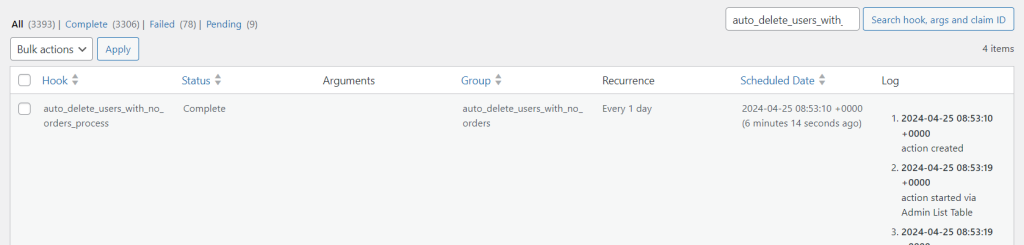
- Runs on a schedule, so cleanup happens automatically in the background without any manual intervention
The result is a database that stays clean on autopilot. No more bloated user lists inflating your Klaviyo bill. No more dormant accounts sitting there as credential-stuffing targets. No more compliance risk from data you should not be holding.
For a full walkthrough on setting up and configuring the plugin, including how to define your inactivity rules and schedule automated runs, see the complete setup guide here.
Conclusion
Every inactive account sitting in your database is costing you something — whether that is hosting resources, email marketing spend, security exposure, or compliance risk. The longer you leave it, the bigger the problem gets.
The fix is straightforward: set clear criteria, back up first, anonymise where possible, and put a regular cleanup schedule in place. WC Auto Delete Users With No Orders makes that process automatic, safe, and compliant from day one.
Do not let dead accounts quietly drain your store. Clean them up and keep them clean.

Samikshya Sapkota is an SEO practitioner and content writer working with Mini Plugins. She focuses on building content that drives real organic traffic, from keyword strategy to publish-ready blog posts for WordPress, WooCommerce, and eCommerce audiences.


Leave a Reply