
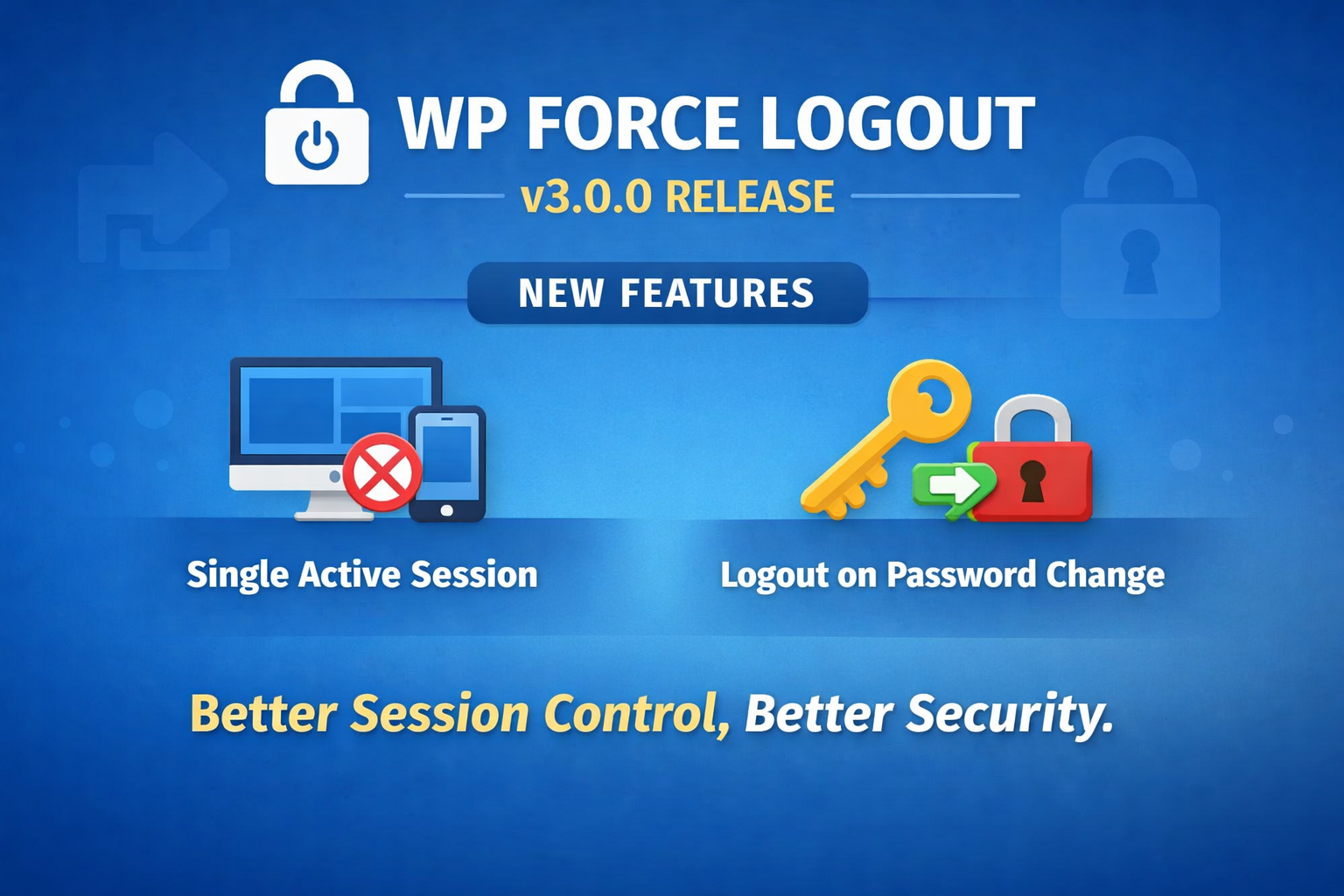
Introducing Better session control, better security
WP Force Logout started with one simple goal:
give site owners more control over user sessions without complicating WordPress.
With version 3.0.0, we’re taking a solid step forward by introducing two highly requested security features that many of you have asked for over time.
If you do not already have WPForce Logout PRO,
🔐 Single Active Session
You can now limit users to one active login session at a time.
What this means in practice:
- If a user logs in from another browser or device, their previous session is automatically logged out
- No background scripts, no polling, no performance hit
- Built entirely on WordPress’ native session handling
This is especially useful for:
- Membership sites
- Learning platforms
- Shared accounts you want to control better
It’s simple, predictable, and just works.
🔑 Logout on Password Change
Security best practices say that changing a password should invalidate all existing sessions.
Until now, WordPress didn’t enforce this by default.
With WP Force Logout v3.0.0, you can now:
- Automatically log users out of all devices when their password changes
- Cover password resets, profile changes, and admin-initiated updates
- Reduce the risk of compromised or forgotten sessions staying active
Once enabled, it runs quietly in the background and keeps accounts safer.
Built the WordPress way
Both features:
- Use WordPress core APIs
- Don’t rely on JavaScript tricks
- Work across devices and browsers
- Respect existing sessions and settings
And as always, nothing is forced — you decide which features to enable.
Why this update matters
Session management is one of those things you don’t think about… until you really need it.
Version 3.0.0 makes WP Force Logout more robust for real-world use cases, without losing its original simplicity.
If you’re running a site where security and session control matter, this update is for you.
Thanks for using WP Force Logout, and as always, feedback is welcome.

Sanjeev Aryal is the creative mind behind Mini Plugins, a brand dedicated to developing lightweight, efficient WordPress plugins. He also writes occasionally and contributes to WordPress community.


Leave a Reply